

You had me at inter webs...
My expertise in both Webflow and WordPress, along with your frontend development skills, makes me a valuable asset for crafting modern, engaging, and effective web experiences.
.svg)











Nice freelancer to work with fast and accurate

Attari Bros
Karachi, Pakistan
.svg)

"Great to work with. Was available immediately and jumped on a live Zoom session and worked out exactly what was needed in Webflow. Very grateful."

Brandon Schaefer
""
Yahya Tariq
""
Rayn Fisher
""
Yahya Tariq
Good work, hire him again for website tasks
Tryzen Solution
India
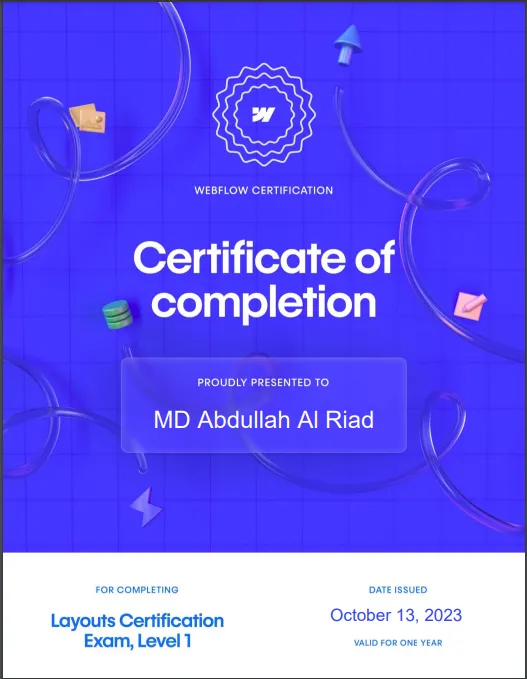
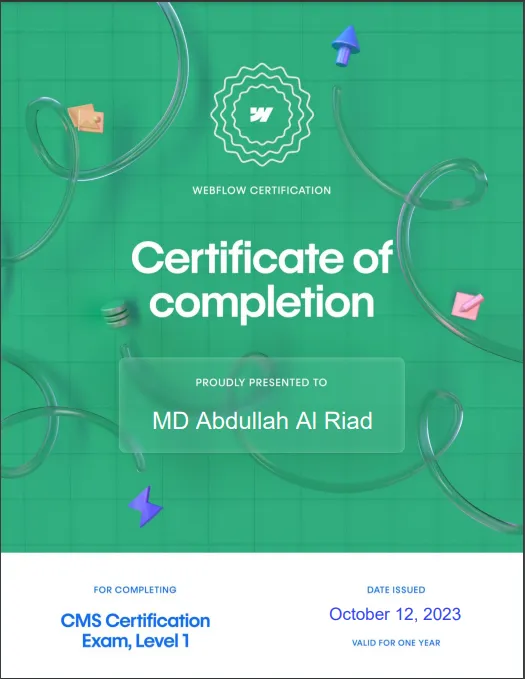
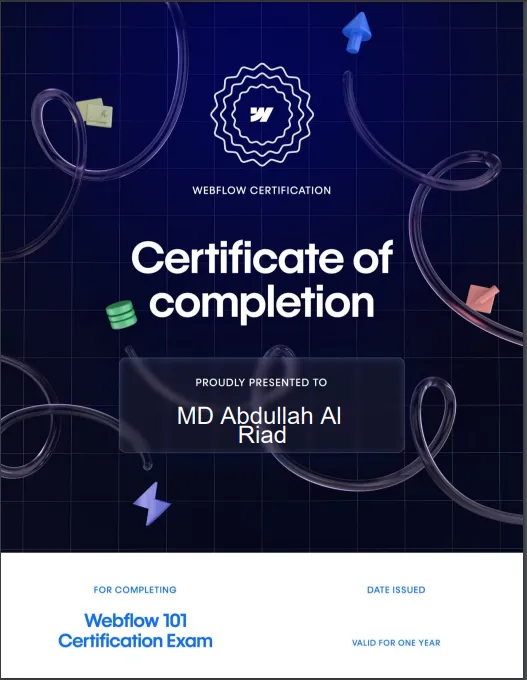
Abdullah Al Riad
Frontend Developer
Being a web developer with skills in Webflow, WordPress, and frontend development provides you with a unique set of capabilities that allow you to create dynamic and engaging websites from various angles.
As a Webflow expert, you possess the ability to craft visually stunning and interactive websites through a powerful visual design interface. Your proficiency in leveraging Webflow's interactions, animations, and responsive design tools empowers you to build websites that captivate users and provide seamless experiences across devices.Your WordPress expertise adds another dimension to your skill set.
With WordPress, you can develop dynamic and content-rich websites that are easy to manage and update. Whether it's creating custom themes, implementing plugins for specific functionalities, or optimizing website performance, your WordPress skills contribute to the creation of robust and feature-packed websites.
Furthermore, your frontend development skills are the backbone of your capabilities. Your proficiency in HTML, CSS, and JavaScript enables you to customize designs, enhance user interfaces, and ensure a smooth and intuitive user experience. Whether you're implementing complex interactions, optimizing page load times, or ensuring cross-browser compatibility, your frontend skills are vital for delivering high-quality web projects.
"Why did the Webflow designer go broke?
Because they kept giving away all their animations for free!"
Webflow is a visual web design and development platform that enables creating responsive websites without extensive coding. I appreciate its intuitive interface, which allows me to design and prototype websites efficiently. Its interactions and animations feature also make it easier to create engaging user experiences.
Of course. I've worked on several Webflow projects in my respective currently working company, ranging from personal websites to business landing pages. I have explored Webflow's e-commerce and CMS features. I handled everything from layout design to integrating payment gateways and ensuring responsive design across devices.
I'm comfortable with custom code when needed. While Webflow provides an excellent visual interface, there are times when custom code can enhance the project. I've used custom CSS and JavaScript to implement specific design elements or interactions that weren't achievable through the platform's built-in tools.
In Webflow, you can create animations using interactions, transitions, and animations. Interactions allow you to define custom animations based on triggers, transitions are predefined animations applied to elements when they enter or leave the viewport, and animations are timeline-based animations applied to individual elements.
Yes, I have experience with parallax scrolling animations in Webflow. Parallax scrolling involves elements moving at different speeds as the user scrolls, creating a sense of depth and immersion. I've used interactions and positioning settings to achieve parallax effects that add visual interest to websites.